Checklists
What is Checklists?
Site Specs 'Checklists' are any digital version of any company form. This includes project inspection forms, daily reports, productivity tracking lags, quality control and safety inspection audits, etc. Any data user's would like top collect on projects.
Site Specs gives companies the ability to digitize all their company paperwork in the My Company, Checklist Library. Any paperwork that may be used on multiple projects should be housed and maintained in the company Checklist Library. The Checklist Library is where admins can make any changes to any company paperwork and all projects will inherit those changes immediately. Making it very easy for companies to standardize processes and administer change as needed company-wide.
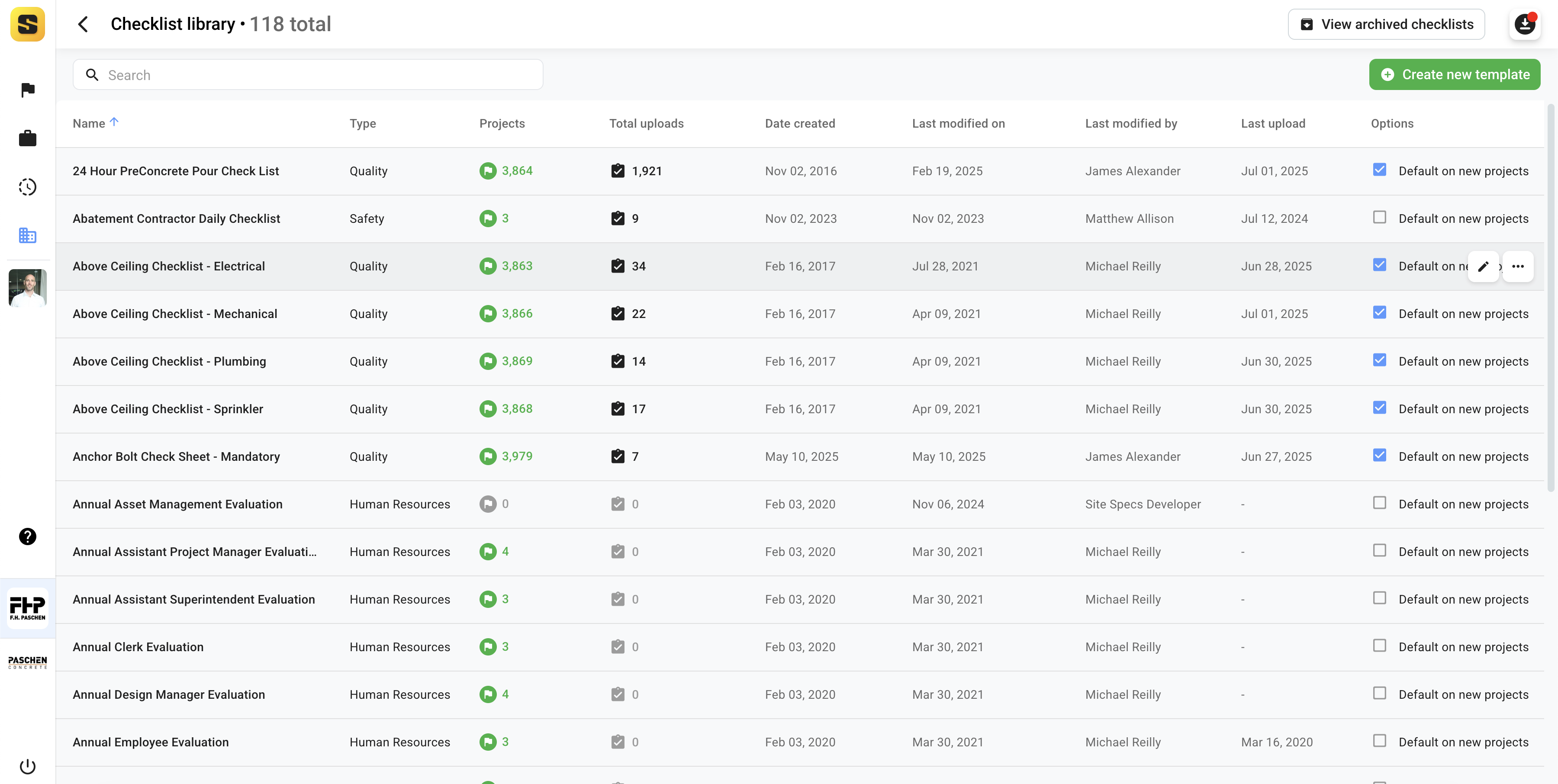
Checklists types
Checklist types are used to categorize and organize paperwork.
Choose from template types
- General
- Safety
- Quality
- Production
- Equipment
You can also create any new checklist type while creating a new checklist template
Create new Checklist Template
Create a new Company Checklist Template
Navigate: My Company > Checklist library.
Click + Create New Checklist Template
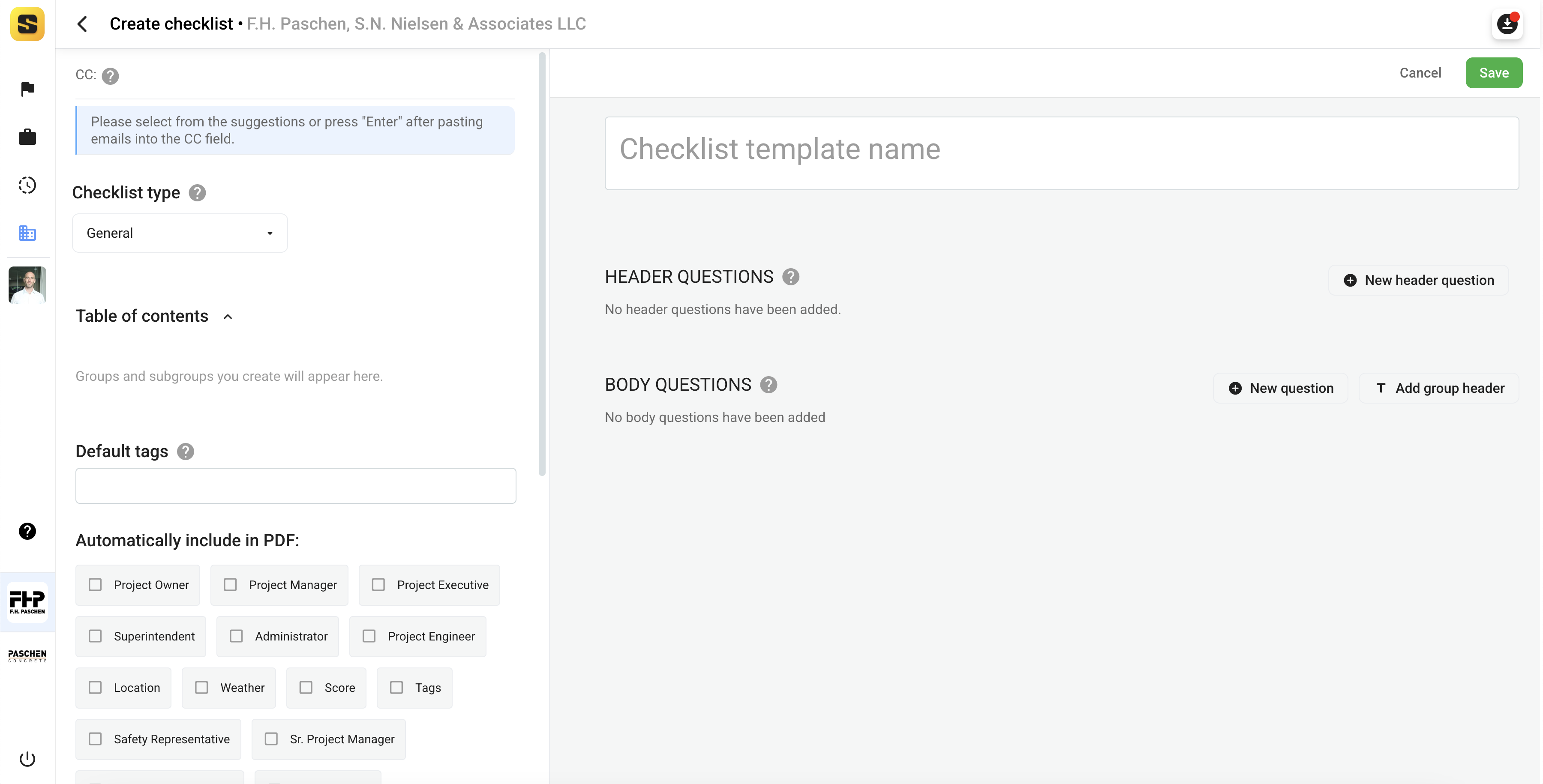
The Checklist Template Editor contains many customizable settings on the left side panel as well as the Checklist questions on the right panel.
Beginning on the left settings panel, the following features are available for you to customize the Checklist.
- Add CC Emails: Site Specs will automatically send a of each completed checklist to these emails.
NOTE: Users these CC emails will be copied on ALL company uploads of this template, Users ALSO have the ability to add and manage project specific CC emails on the project level.

- Select Checklist Type: The category of checklist (i.e. Production, Safety, Quality, Human Resources, Equipment, etc.)
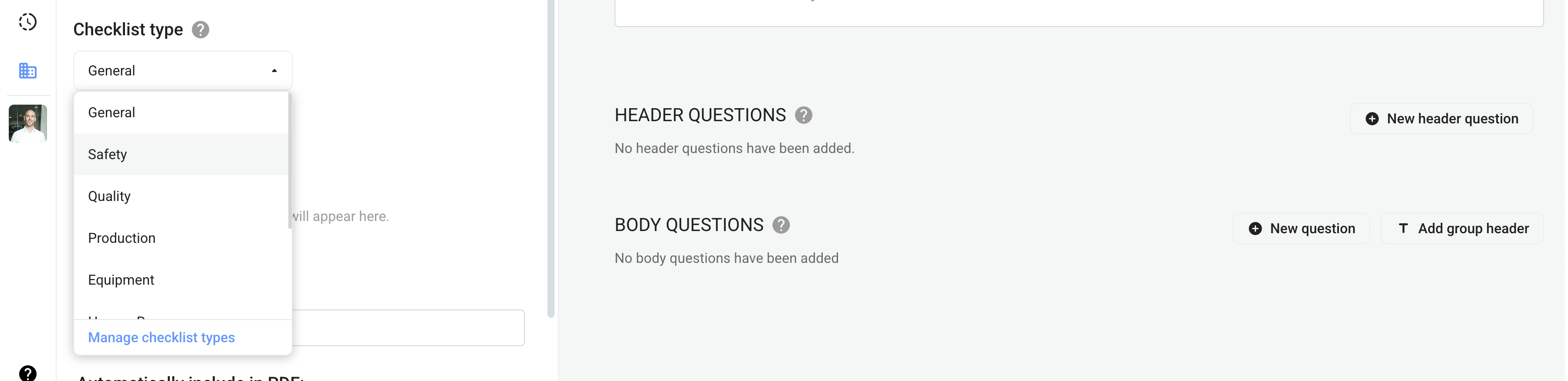
- Table of Contents: Helps easily navigate through questions and sections of the checklist using 'Groups'

- Default Tags: Tags are automatically applied to the completed checklist PDFs for easy retrieval and document management

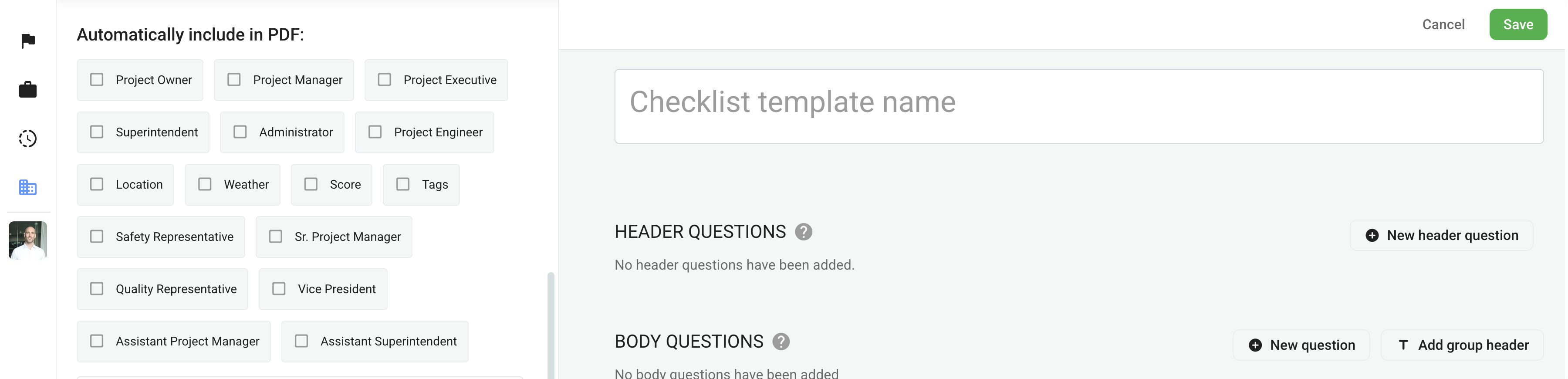
- Automatically Include in PDF: These are additional project information you want included on each completed checklist and eliminates the need for users to manually input redundant data each time they complete this template on projects.
- Additional PDF Settings: Settings for the format of the PDF of completed checklists including whether you want a cover page and which company logo you want on the document.

- More Settings

- Uploads visible only to Admins - Completed checklists will only be visible to 'Admin' permissioned company members
- Add Attached Photos to Project Photos - Photos included in answers on completed checklists will also be added to projects' photos
- Include Google Map in the PDF - Completed Checklists will include a Google Map showing the geolocation of the photos take in the completed checklist
- Include N/A questions in the PDF report - The completed checklist PDF will include questions marked as N/A by user
- Include unanswered questions in the PDF report - The completed checklist PDF will include unanswered optional questions
- Checklist Name: The name of the checklist template. This name will also be in the completed checklist file name of the PDF including the project name, user name, and upload date.

Header Questions
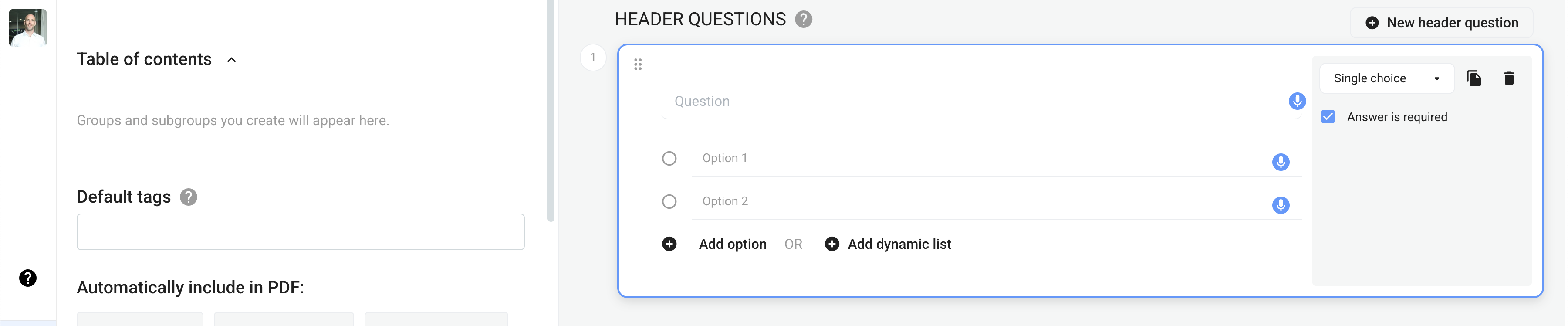
- Header questions will appear in the header section of the completed checklist PDF document. Header questions can be one of the following question types.
Select Question Type: Question types determine the format of the response from the user.
- Quantity: Answer is numbers

- Date: Requires date/time or one of those.

- Short Answer: Requires a short text answer.

- Single Choice: Select a single choice from a list of custom options.
- Yes/No/NA: Simple Yes/No/NA answer required.

Header Question Settings
For each question type, additional settings vary.
- Answer is required - Means the user is required to input an answer in order for the checklist to be considered complete and ready to upload. This ensures users input all required information when completing checklists.
- Include Answer in Document Name - This will append the PDF file name of the completed checklist with whatever the user inputs.
Body Questions
- Body questions will populate the main body of the PDF document. Body questions can be any combination of the following types.
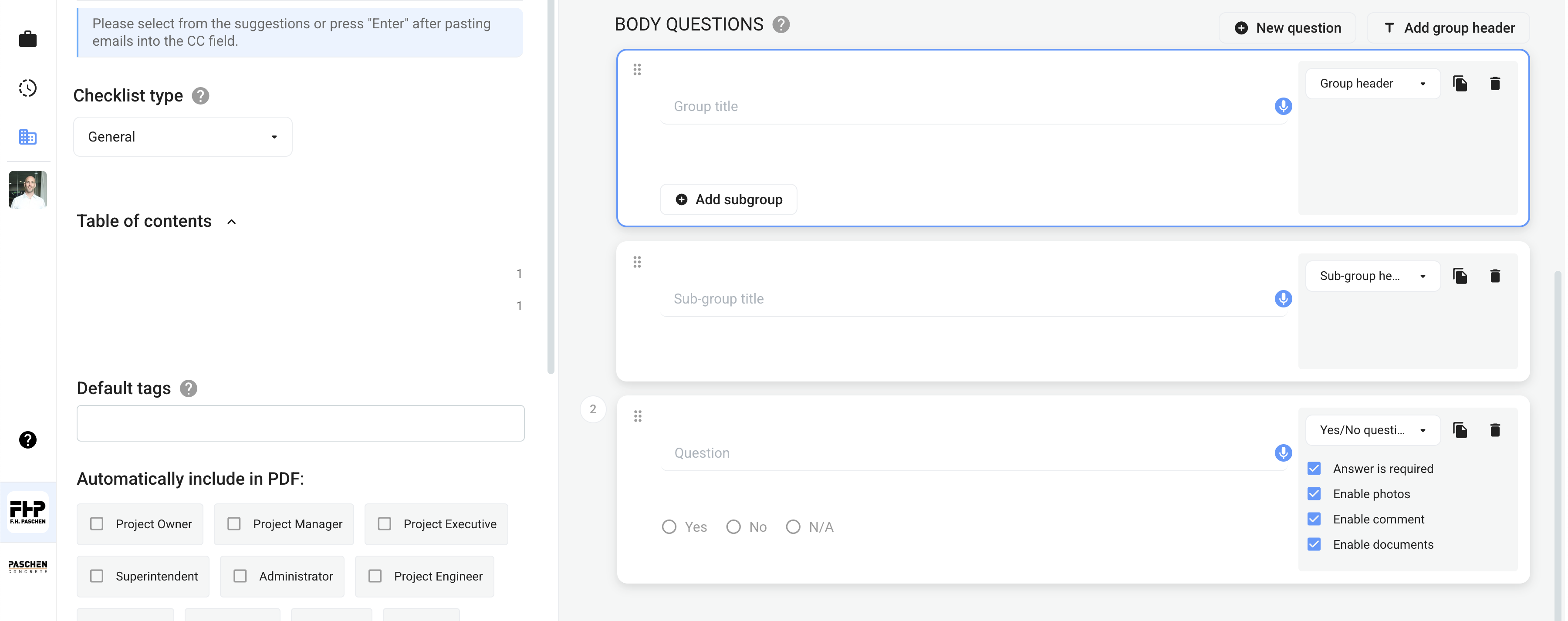
Group Header and Sub-Group Header Question Types
-
Group and Sub-Group question types do not allow for user input, however, they are used to create a header name/label for the group of questions. Groups can have many Sub-Groups. Groups and Sub-Groups are listed in the Checklist Template table of contents.
-
Group Header - This question type does not allow for user input, however, it is used to create a header name/label for the group of questions. Groups can have many Sub-Groups.
-
Sub-Group Header - This questions type does not allow user input, however, it if used to create a name/label for a group of questions.
Select Question Type: Question types determine the format of the response from the user.
- Quantity: Answer is numbers

- Date: Requires date/time or one of those.

- Short Answer: Requires a short text answer.

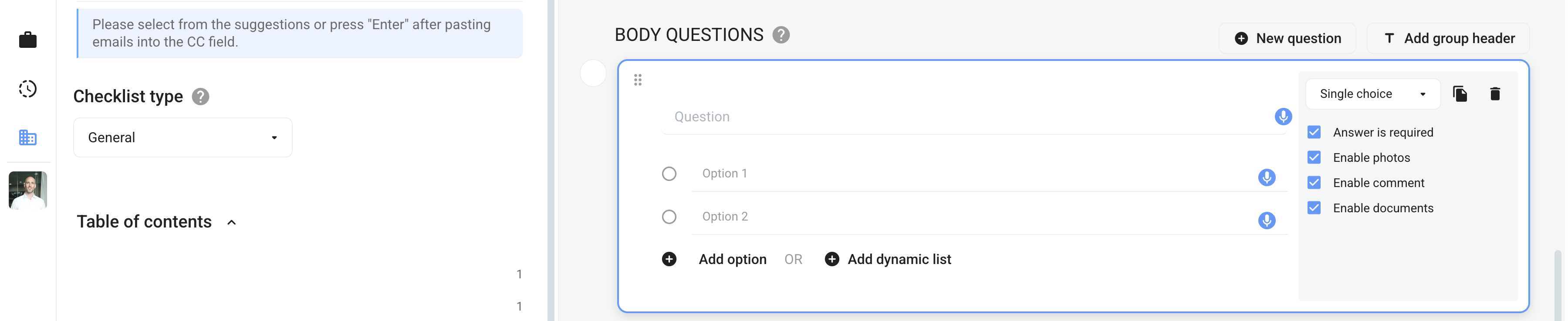
- Single Choice: Select a single choice from a list of custom options.
- Yes/No/NA: Simple Yes/No/NA answer required.
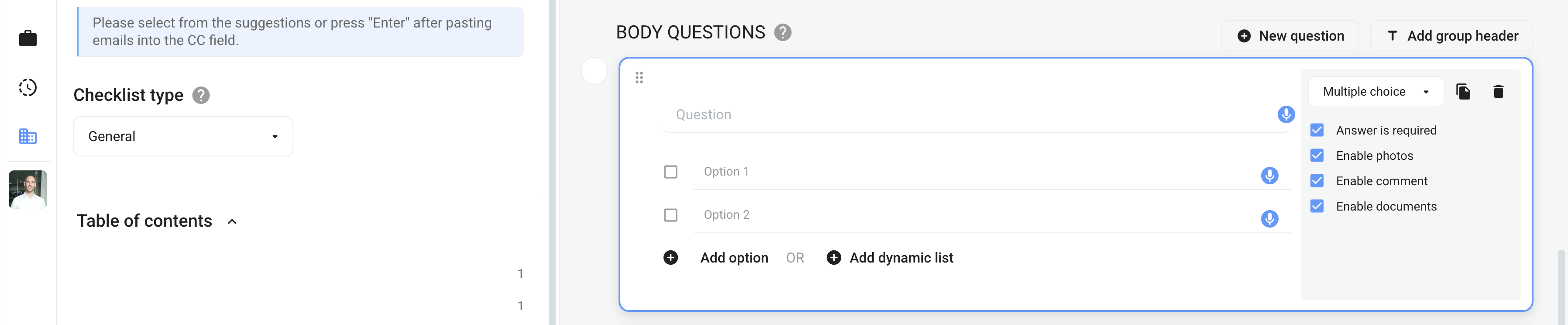
- Multiple Choice: Select one or many choices from a list of custom options.
- Photo:

- Document:

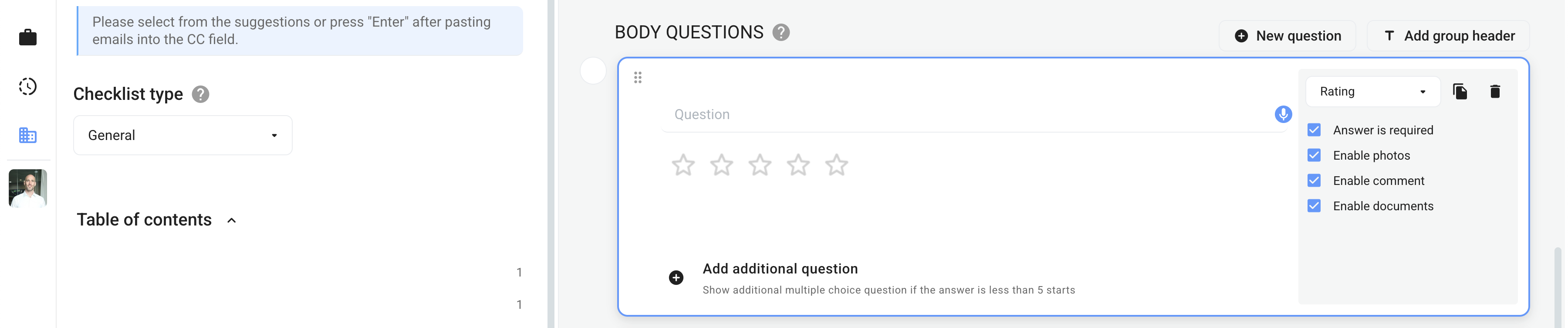
- Rating:
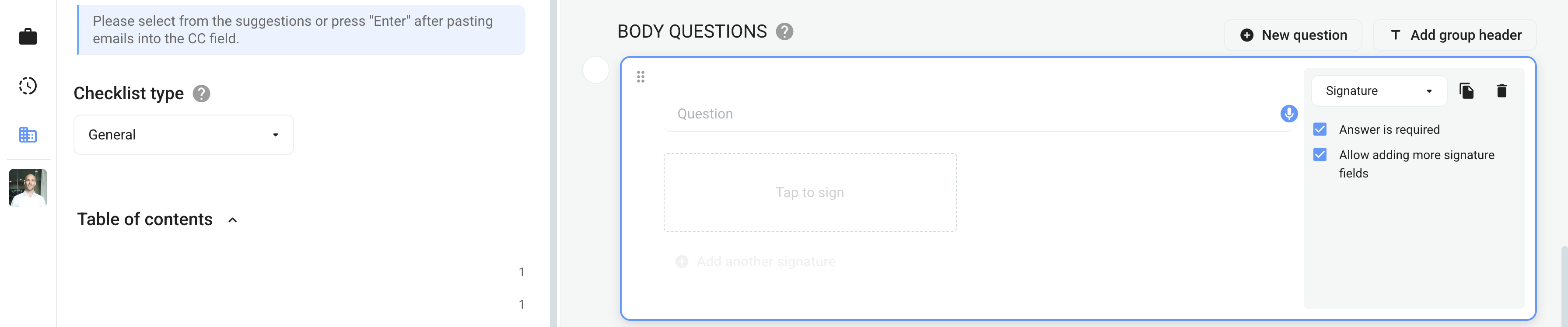
- Signature:
Body Question Settings
For each question type, additional settings vary.
- Answer is required - Means the user is required to input an answer in order for the checklist to be considered complete and ready to upload. This ensures users input all required information when completing checklists.
- Include Answer in Document Name - This will append the PDF file name of the completed checklist with whatever the user inputs.
- Enable Photos - Allows users to attach photos to their answer.
- Enable Comment - Allows users to input additional comments along with their answer.
- Enable Document - Allows user to attach additional document to their answer.