Overview
Submittals help project teams collect, review, and approve shop drawings, product data, samples, and other documents before construction work begins.
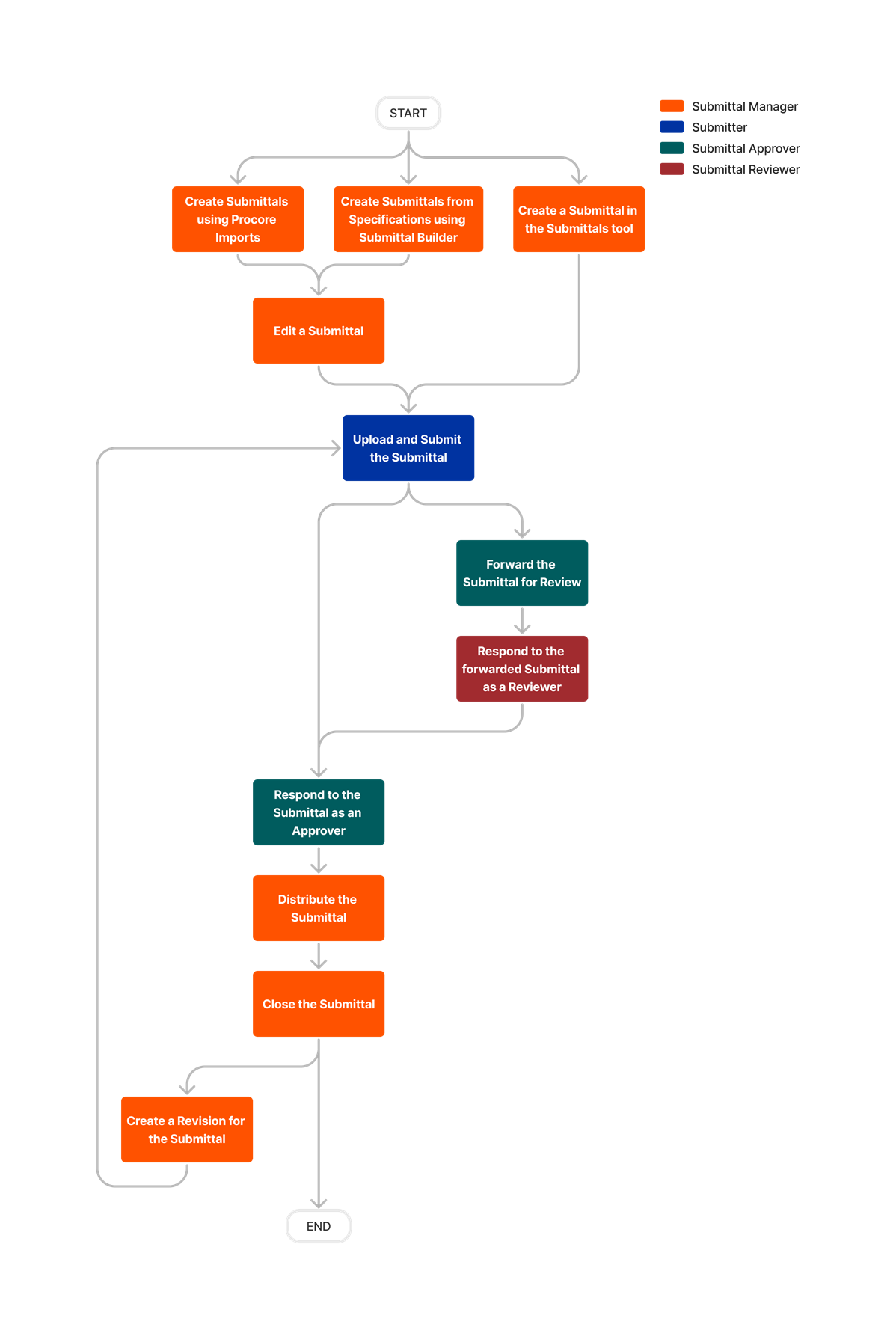
In SiteSpecs, submittals follow a structured review process. Team members submit documents, reviewers provide feedback and approvals, and the submittal manager distributes the final results.
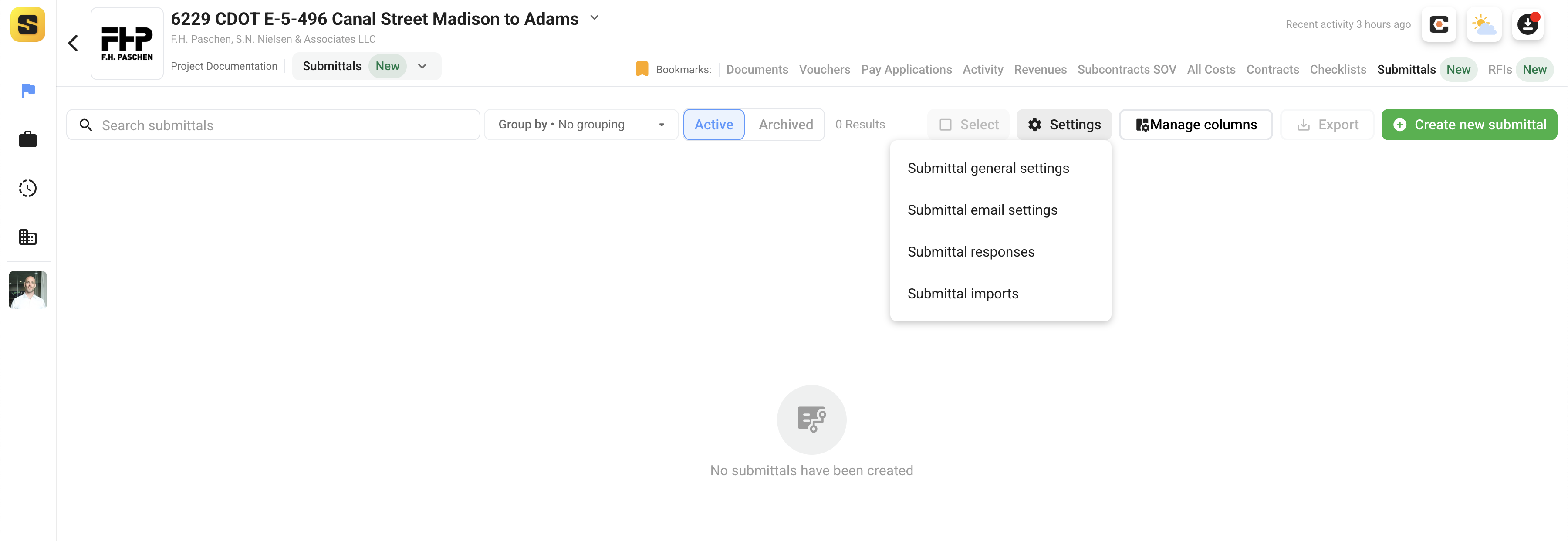
To access it, open your project and select Submittals from the project menu.
What is a submittal?
A submittal represents an item that requires review and approval. For example, a project may have separate submittals for structural steel shop drawings, concrete mix designs, or electrical equipment.
Each submittal includes:
- Information: Title, number, revision, type, vendor, dates, and description.
- Workflow: The sequence of people responsible for submitting and reviewing the documents.
- Attachments: Supporting documents, drawings, product data, and other files.
- Distribution: People who receive notifications and copies of the final results.
Submittal statuses
| Status | Description |
|---|---|
| Draft | The submittal is being prepared and has not entered the review process. |
| Open | The submittal is in the review process. |
| Closed | The review process is complete. |
| Superseded | The submittal has been replaced by a newer revision. |
Revisions
A revision represents an updated version of a submittal.
For example, if a reviewer requests changes, you can create a new revision (Rev 1, Rev 2, etc.) while keeping previous revisions available for reference.
Each revision has its own review workflow and response history. See Creating a New Revision.
How the process works