Viewing Activity
You can view activity across all your projects, or within a single project.
- Web
- Mobile
Activity across your projects
-
Click Activity in the left navigation bar.
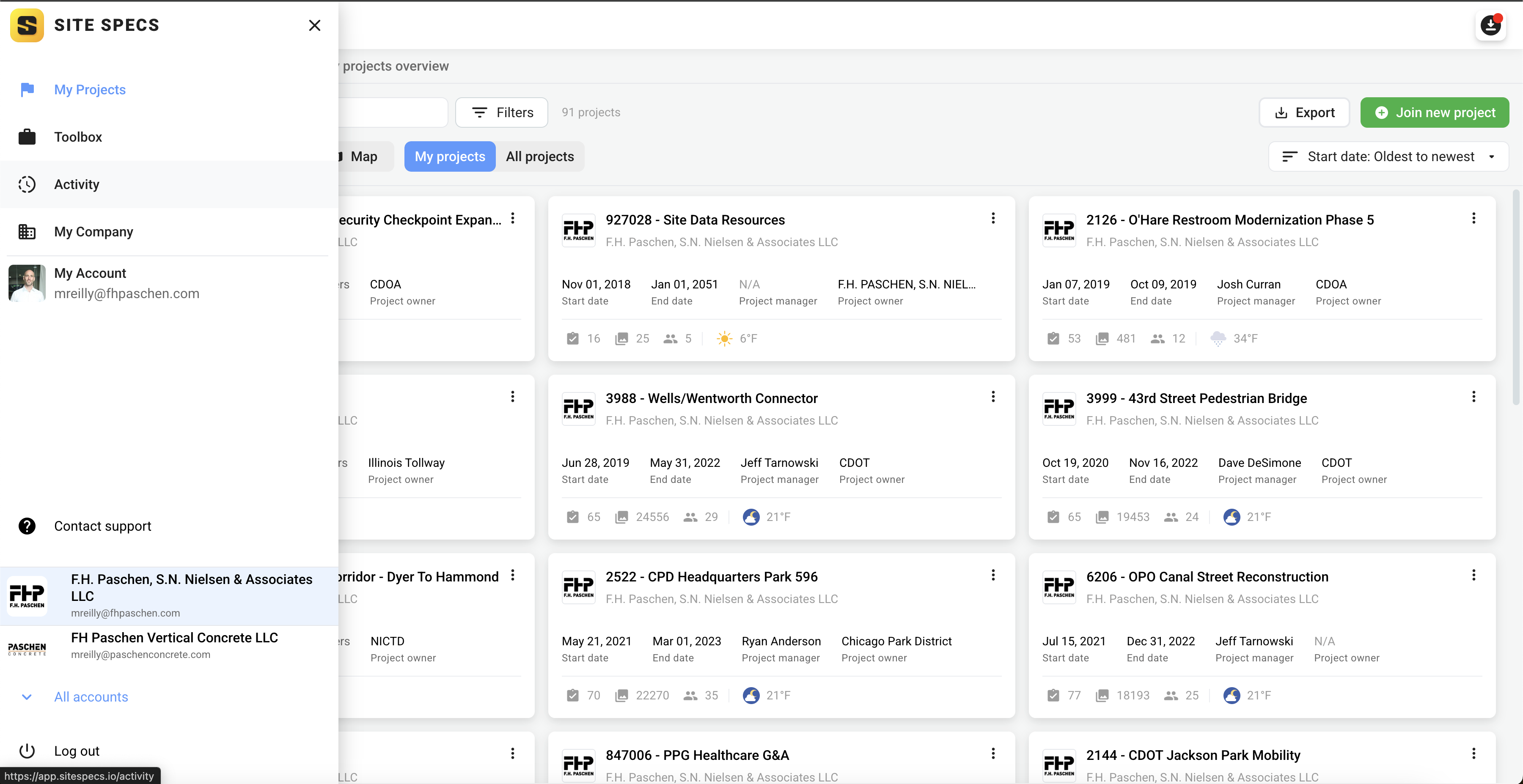
-
The Activity page opens, showing the most recent activity on the projects you're a member of. The newest activity is at the top.
Company-wide activity
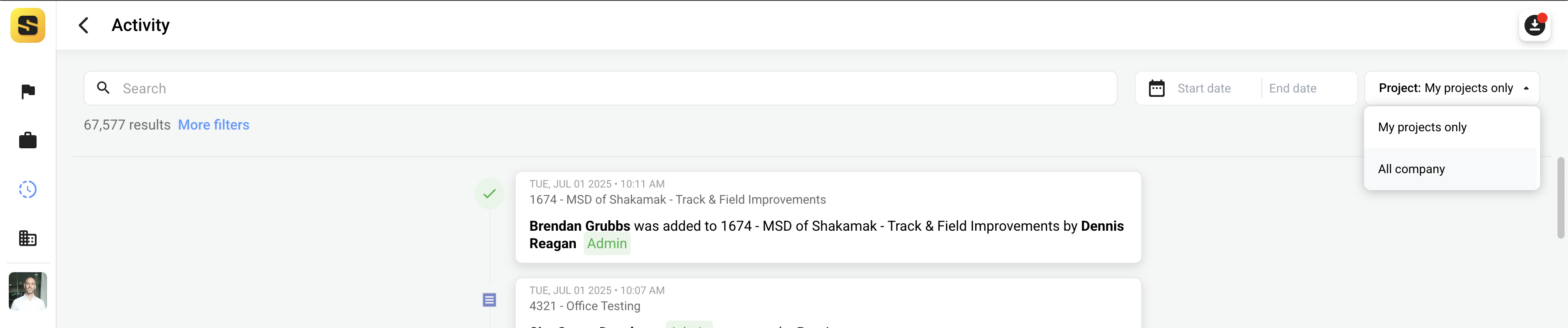
If you have permission to view all company activity, use the Project menu at the top right to switch between:
- My projects only: activity on projects you're a member of. This is the default.
- All company: activity on every project in your company.
Activity on a single project
-
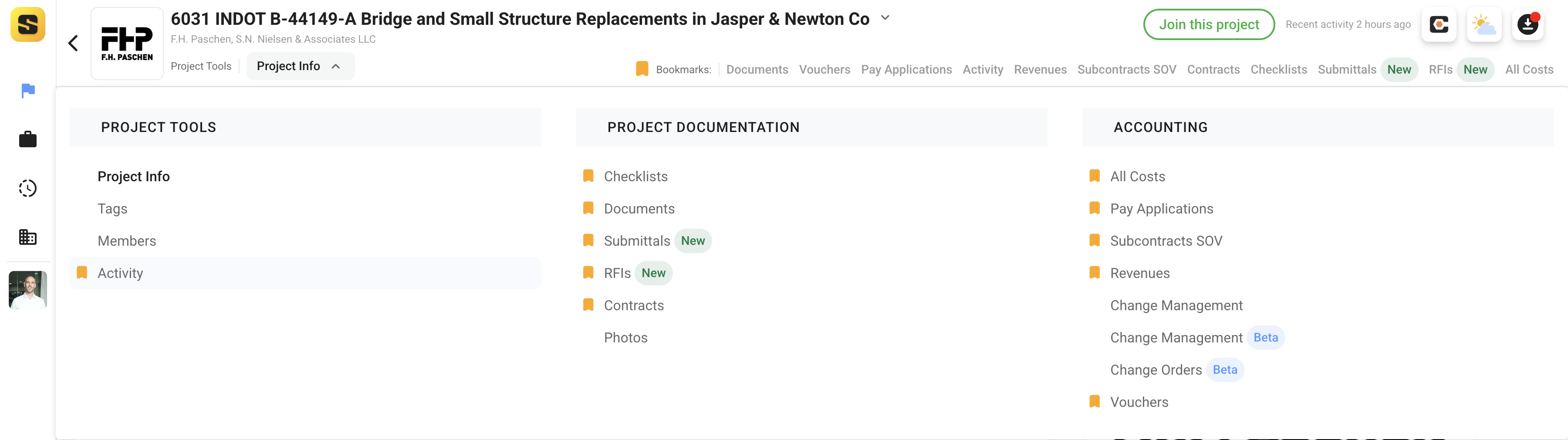
Open the project.
-
Select Activity from the project navigation menu.
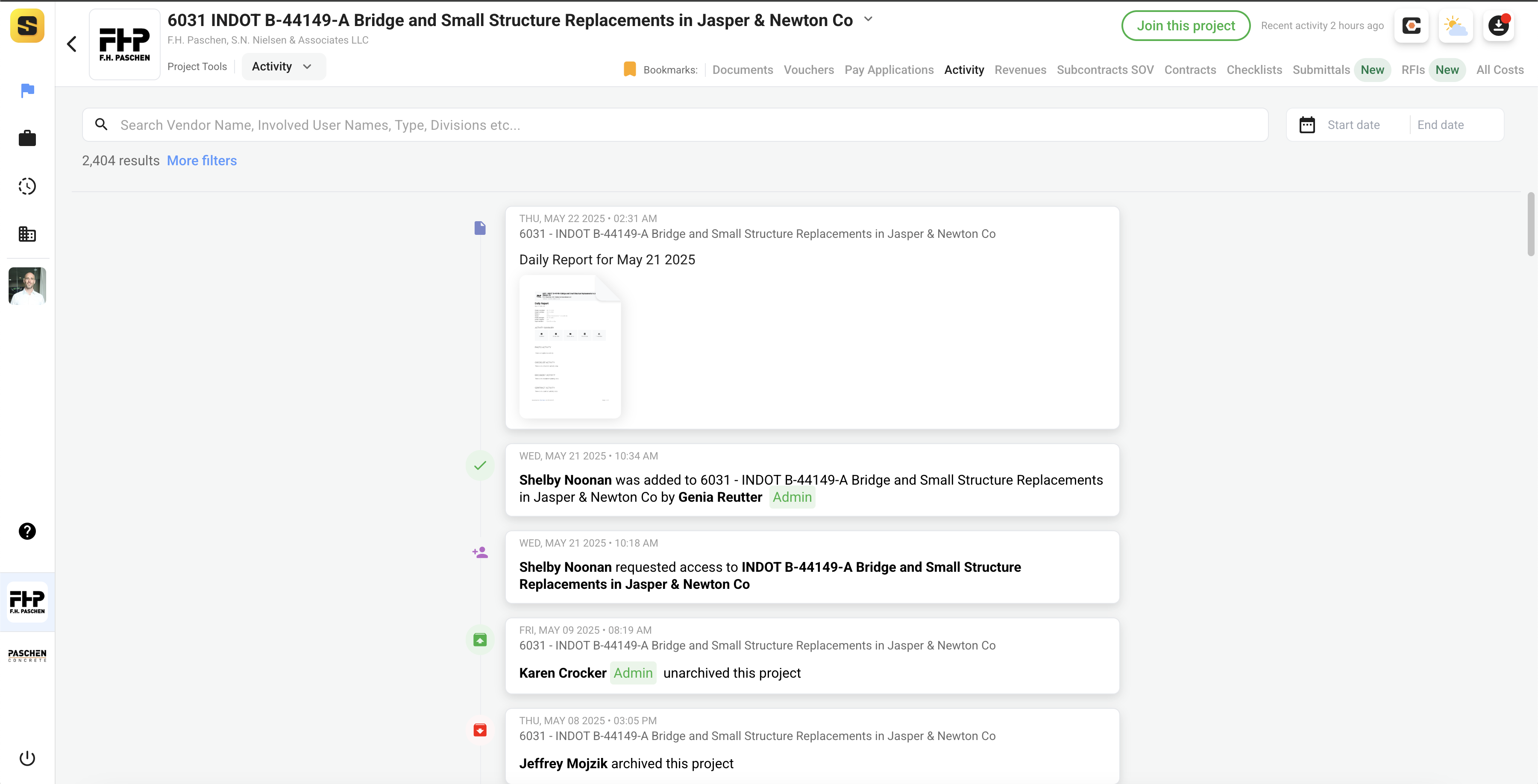
The project's Activity tab has the same search and filters as the Activity page, limited to that project.
Activity across your projects
Tap the Activity tab in the bottom navigation bar. It shows activity on all the projects you're a member of. Use the search and filters to find what you're looking for.
Activity on a single project
- Open the project. Use the search bar on the Projects tab to find it if needed.
- Scroll down to the Recent Activity list at the bottom of the project details.
- Tap View all activity at the bottom of the list to see the project's complete timeline.
Opening an activity item
Click or tap any activity card to view the details of that activity.