Setting Up the Review Workflow
The workflow defines who needs to submit documents and who needs to review them.
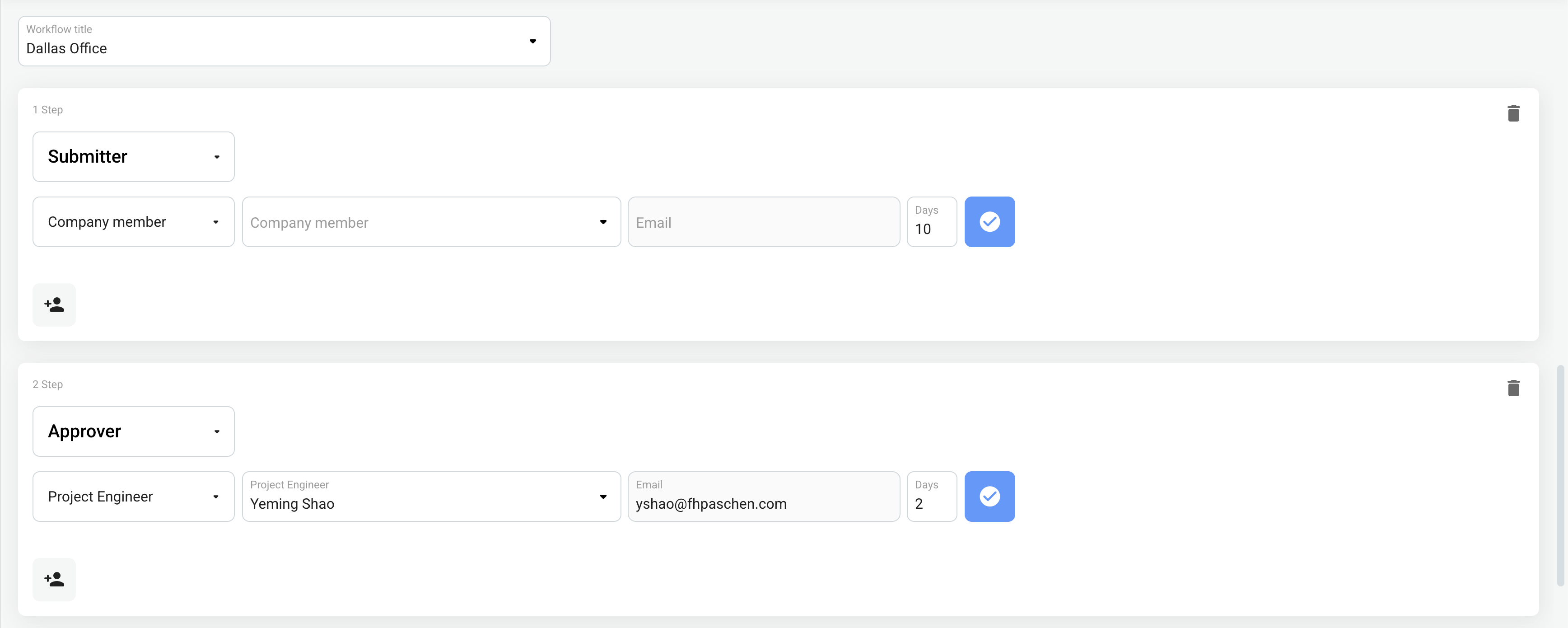
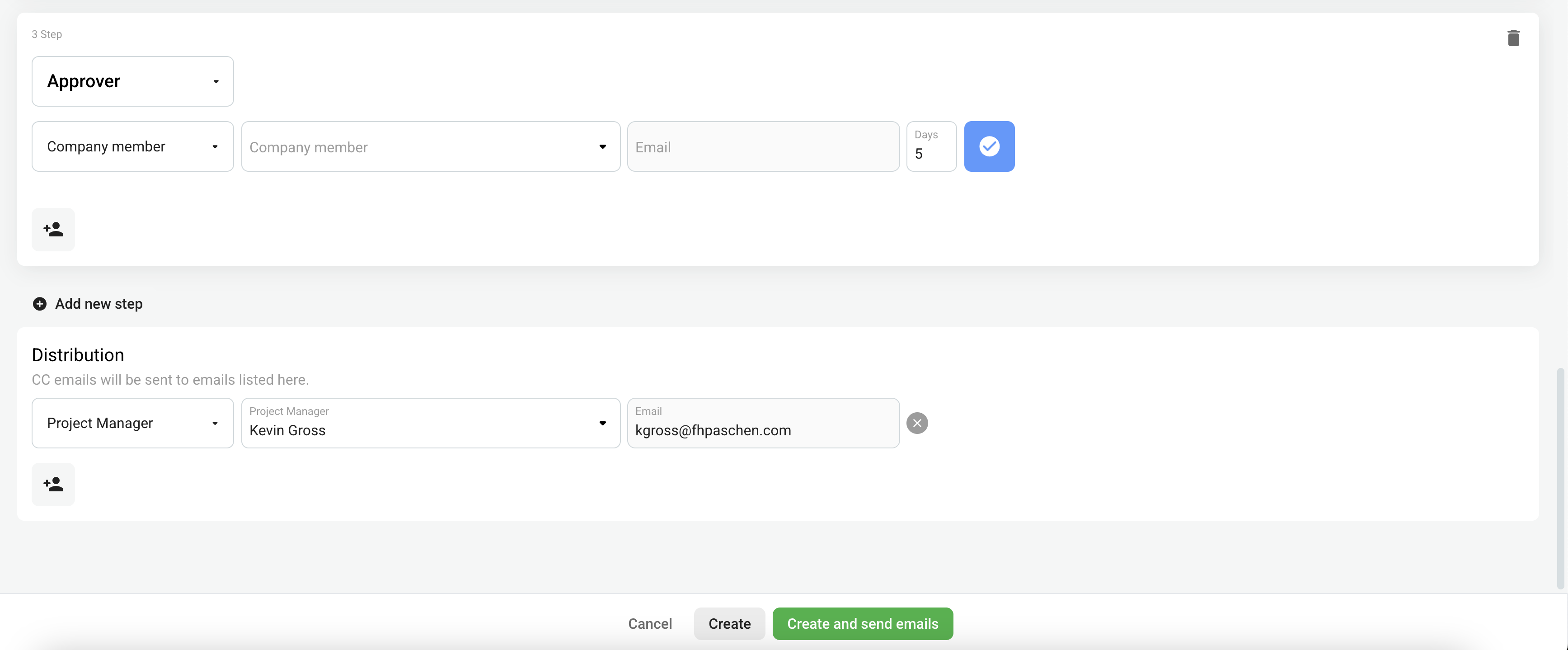
A workflow consists of sequential steps:
- Submitter: The person responsible for providing the required documents.
- Approver: The person responsible for reviewing the submitted documents and providing a response.
You can organize multiple reviewers into the same step. Members within the same step can review simultaneously.
Adding workflow members
Workflow participants can be selected from:
- Project roles.
- Company members.
- Vendor contacts.
- External contacts using their name and email address.
For each participant, you can define:
- Days to Respond: The expected time to complete their action.
- Require Response: Determines whether their response is required before the workflow can continue.
Workflow templates
If your project has predefined workflow templates, you can select one when creating a submittal.
Templates automatically populate the review steps and participants, saving time when creating similar submittals. Templates are managed in Submittal Settings.